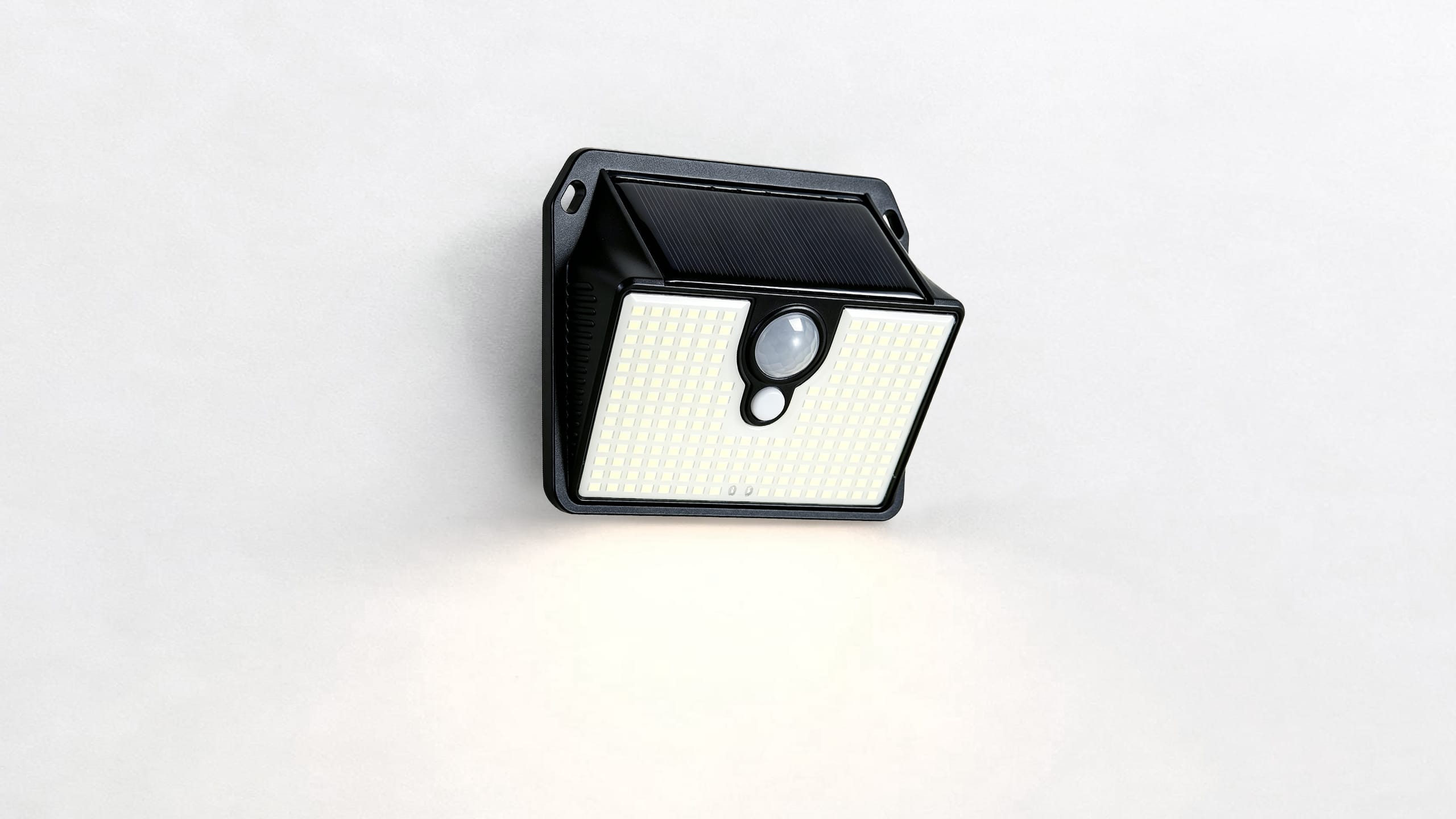
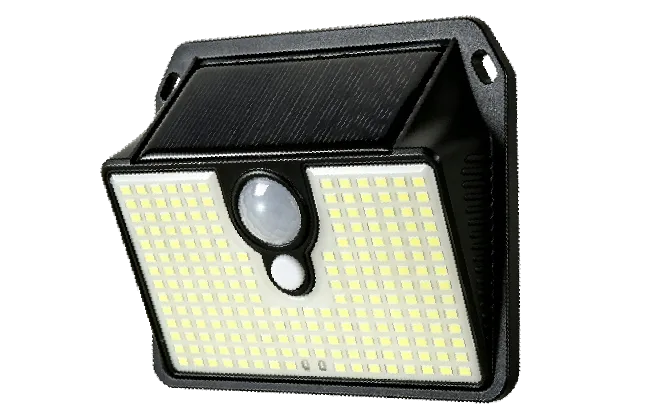
2 × SL015 Solar Wall Light
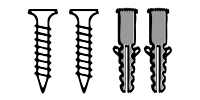
Mounting hardware (screws, wall plugs)

User Manual
✓ TIPFor first use or after a full dischargecharge the light in the OFF position under direct sunlight for 2 sunny days before use for more stable performance.
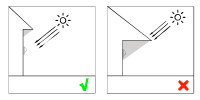
Mount the light where the solar panel receives direct sunlight for at least 6 hours per day. Avoid areas with constant shade from trees or buildings.
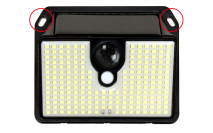
Hold the light against the wall at the desired height (6-8 feet recommended). Mark the screw positions through the mounting holes.
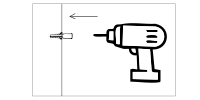
Drill holes at the marked points. Insert wall plugs, then secure the light using the provided screws and hex key.
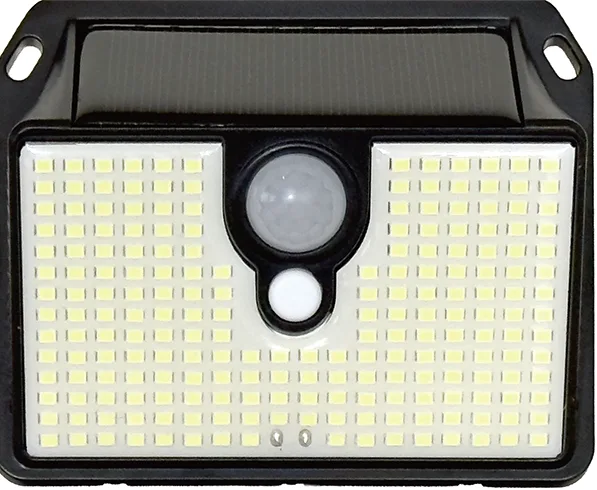
Turn on the power switch. The light will charge during the day and activate automatically at dusk.
Get your SL015 ready in four simple steps.

Mount the light securely and position the solar panel where it receives direct sunlight.

Allow the solar panel to receive sufficient sunlight before first use.

Turn the power switch ON and select the lighting mode you need.

Test the motion sensor and lighting performance after dark.
Use the mode button on the side of the light to cycle through three modes:
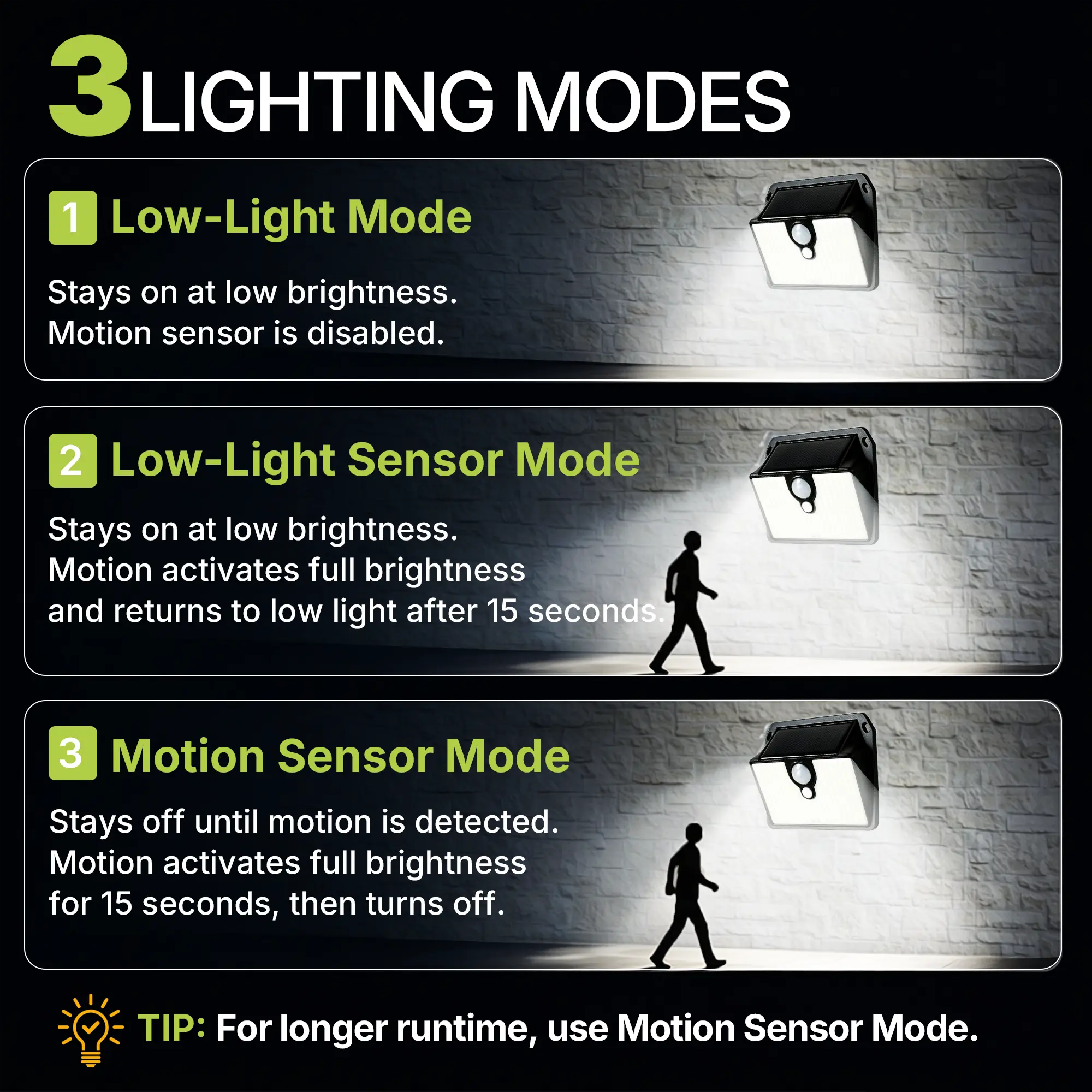
Stays on at low brightness. Motion sensor is disabled.
Stays on at low brightness. Motion activates full brightness for 15 seconds.
Stays off until motion is detected. Full brightness for 15 seconds.
Questions? Answers.
The built-in light sensor detects ambient light. Make sure the solar panel is not covered or heavily shaded.
Lighting time depends on:
If needed:


 Support Center
 Manuals & Downloads
 Contact Support