FAQ Center
← Back to Support Center

Frequently Asked Questions

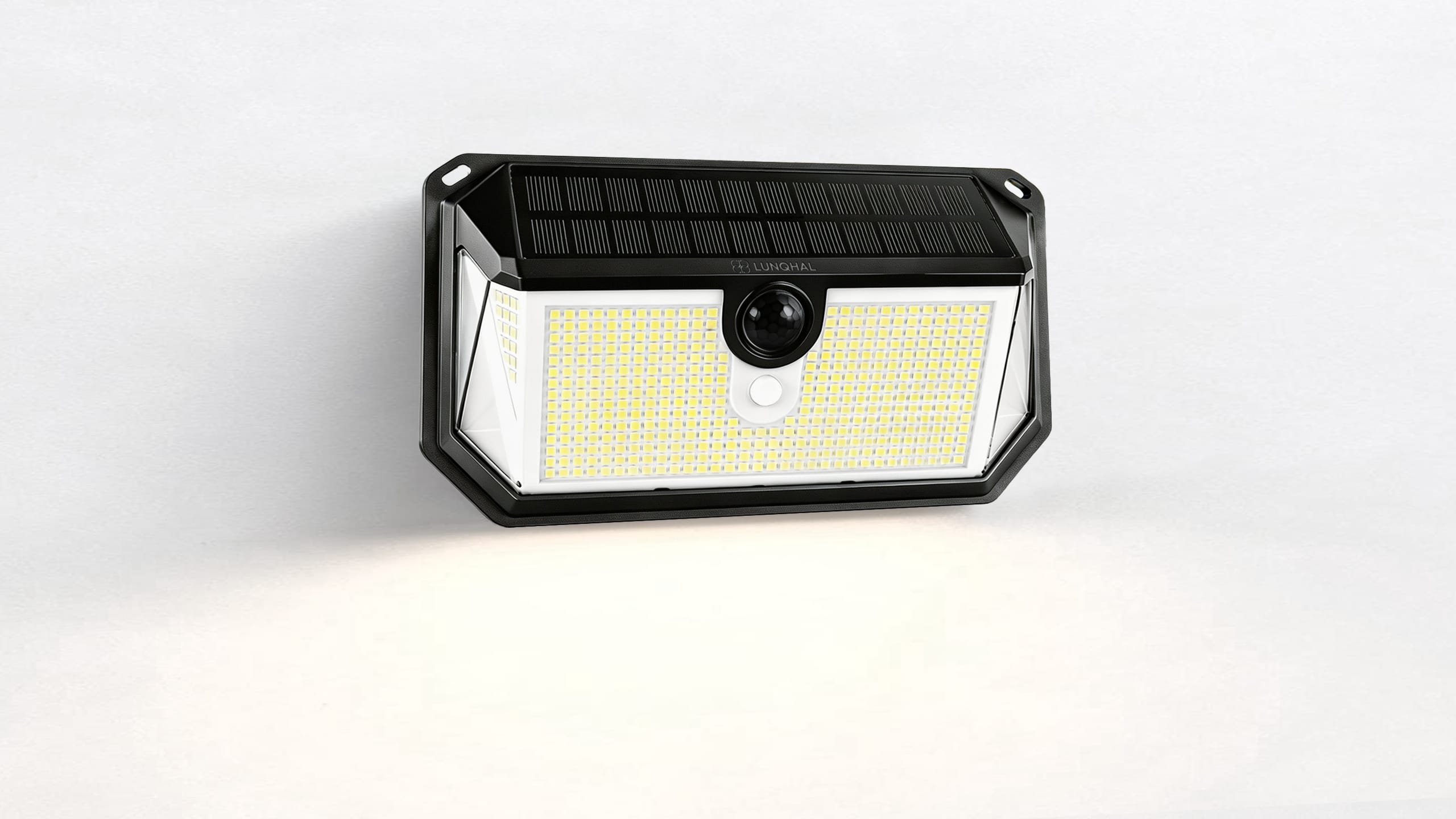
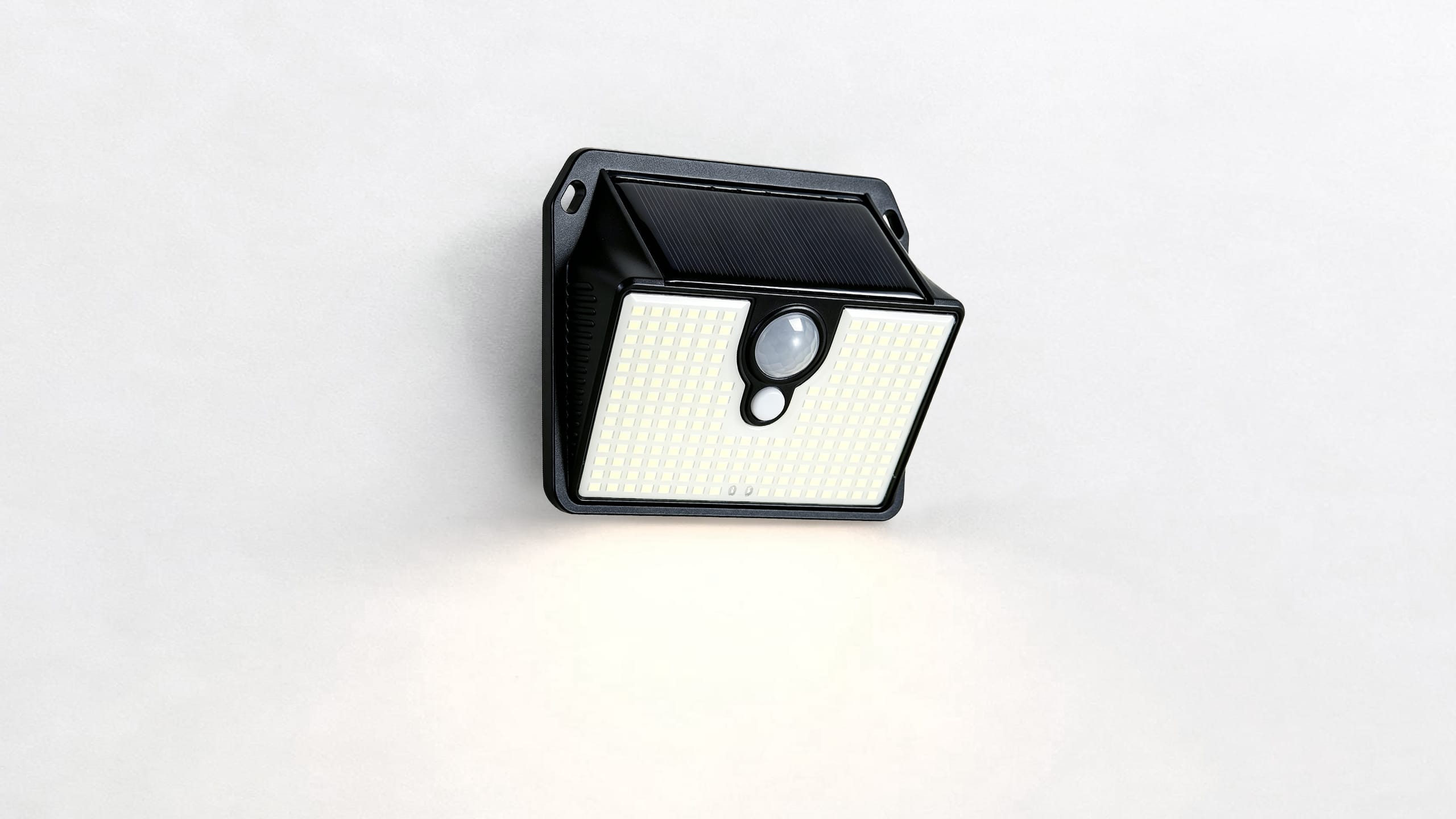
SL016 Solar Security Light

Find quick answers about installation, charging, lighting modes, and troubleshooting.

Getting Started

How do I start using my SL016?

  • Install the light in an area with direct sunlight.
  • Turn the power switch ON.
  • Allow the solar panel to charge before first use.
  • Test the light at night.

Installation

Where should I install my solar light?

Choose a location where the solar panel receives direct sunlight. Avoid areas blocked by trees, walls, or buildings.

How do I mount the SL016?

Insert screws through the mounting holes and tighten securely. Attach the light body after the bracket is fixed.

Solar Charging

Why is my solar light not charging?

  • Make sure the solar panel receives direct sunlight.
  • Remove any dust or debris from the panel.
  • Avoid shaded installation locations.
  • Allow sufficient charging time.

Lighting Modes

What lighting modes does SL016 support?

SL016 includes three lighting modes:

  • Light Sense Mode: Auto on at night and off at dawn with 20% dim light.
  • Dim Light Motion Mode: 10% dim light all night and 100% brightness when motion is detected.
  • Motion Sensor Mode: 100% brightness when motion is detected and turns off when motion stops.

Troubleshooting

Why is my solar security light not turning on?

  • Check that the power switch is ON.
  • Charge the solar panel under direct sunlight.
  • Test the light in darkness.

Why does the light turn on during the day?

The solar sensor detects surrounding brightness. Make sure the panel is not covered or placed in heavy shadow.

Why is the lighting time shorter at night?

  • Limited sunlight during the day.
  • Weather conditions.
  • Installation location.

Maintenance

How do I clean my SL016?

Clean the solar panel regularly with a soft cloth. Keep the surface free from dust and debris to maintain charging efficiency.

Need More Help?

Our support team is ready to assist you.

Contact Support →